Close

Scheduling an Appointment

Students must be admitted to SLCC to schedule an appointment with an Academic Advisor.

It is required for you to see your appropriate Program Advisor. If your declared major is General Studies, please see General Studies for a listing of advisors to meet with.
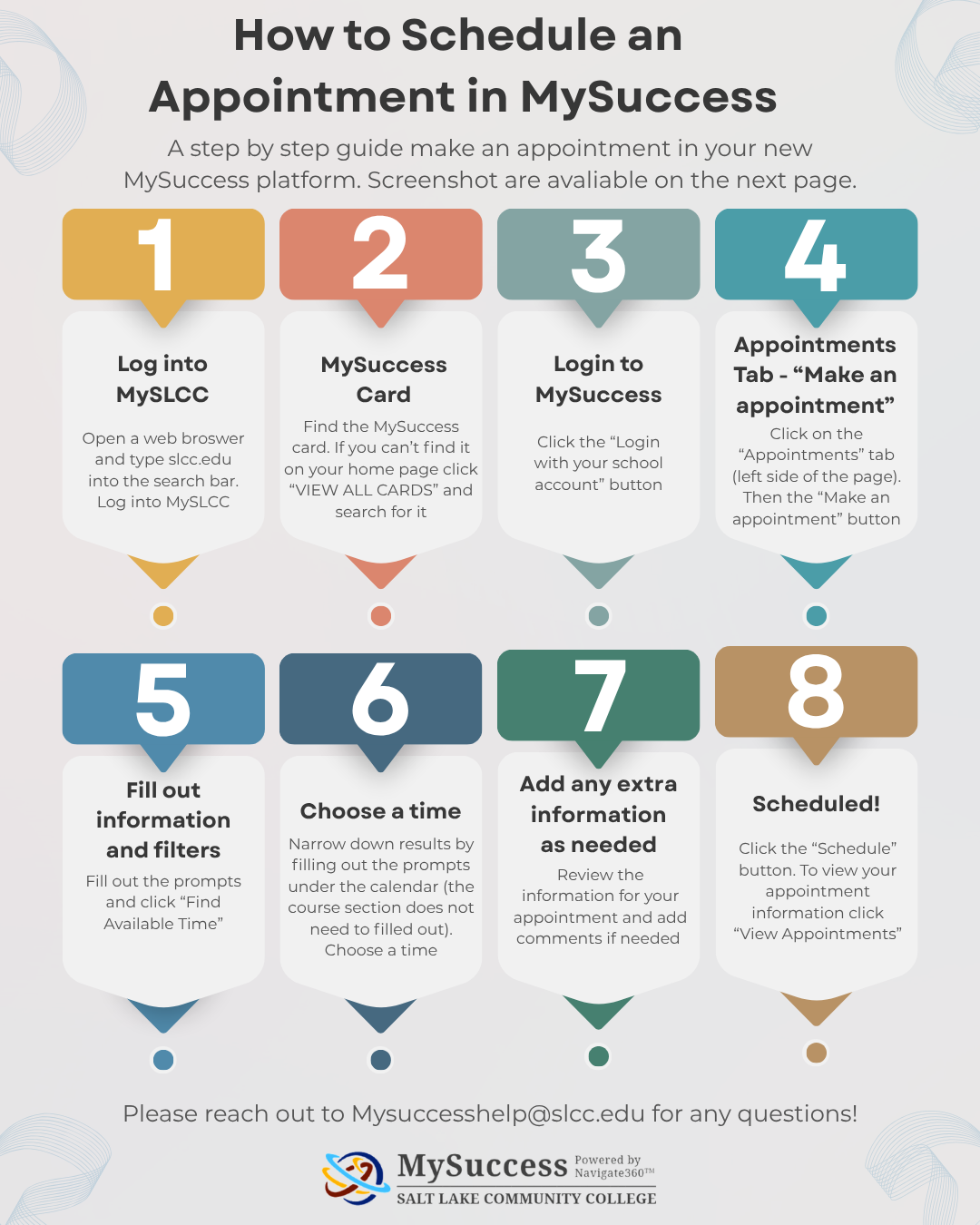
Infographic titled “How to Schedule an Appointment in MySuccess.” It presents an eight-step process for scheduling an appointment at Salt Lake Community College. Step 1: Log in to MySLCC. Step 2: Find the MySuccess card or select “View All Cards” and search for it. Step 3: Click “Login with your school account.” Step 4: Open the Appointments tab and select “Make an appointment.” Step 5: Complete the prompts and filters, then select “Find Available Time.” Step 6: Review available times and choose one. Step 7: Review appointment details and add comments if needed. Step 8: Select “Schedule”; to view appointment information, choose “View Appointments.” A contact email, mysuccesshelp@slcc.edu, and the MySuccess/SLCC logo appear at the bottom.

You will receive a confirmation email to your BruinMail.

Alternatively, you may contact any one of our Front Desk lines at 801-957-4978, 801-957-3361, or 801-957-6215 and the receptionist will be happy to assist you. Just be sure to have your student number ready.